Setting up landlord branding
Update your landlord account’s logo. The logo appears on the landlord selector after you sign in; it will also appear on the tenant portal in the future. The logo is currently the only branding component you can change.
Before you begin
Sign in as an administrator for the landlord account. Only administrators can manage its branding.
Steps
Step 1
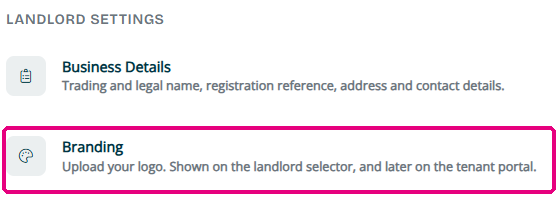
From the landlord’s settings, select Branding. This opens the page where you can manage the account’s logo.
Step 2
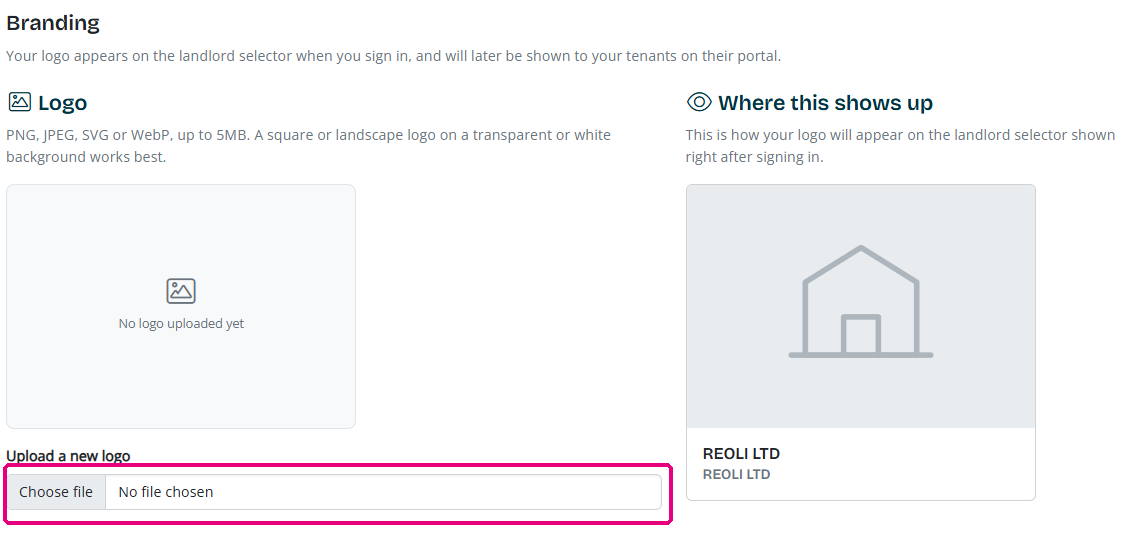
Under Upload a new logo, choose your logo file. Use a PNG, JPEG, SVG or WebP image no larger than 5 MB; a square or landscape logo on a transparent or white background works best. Choosing a file displays a preview but does not save the logo.
Step 3
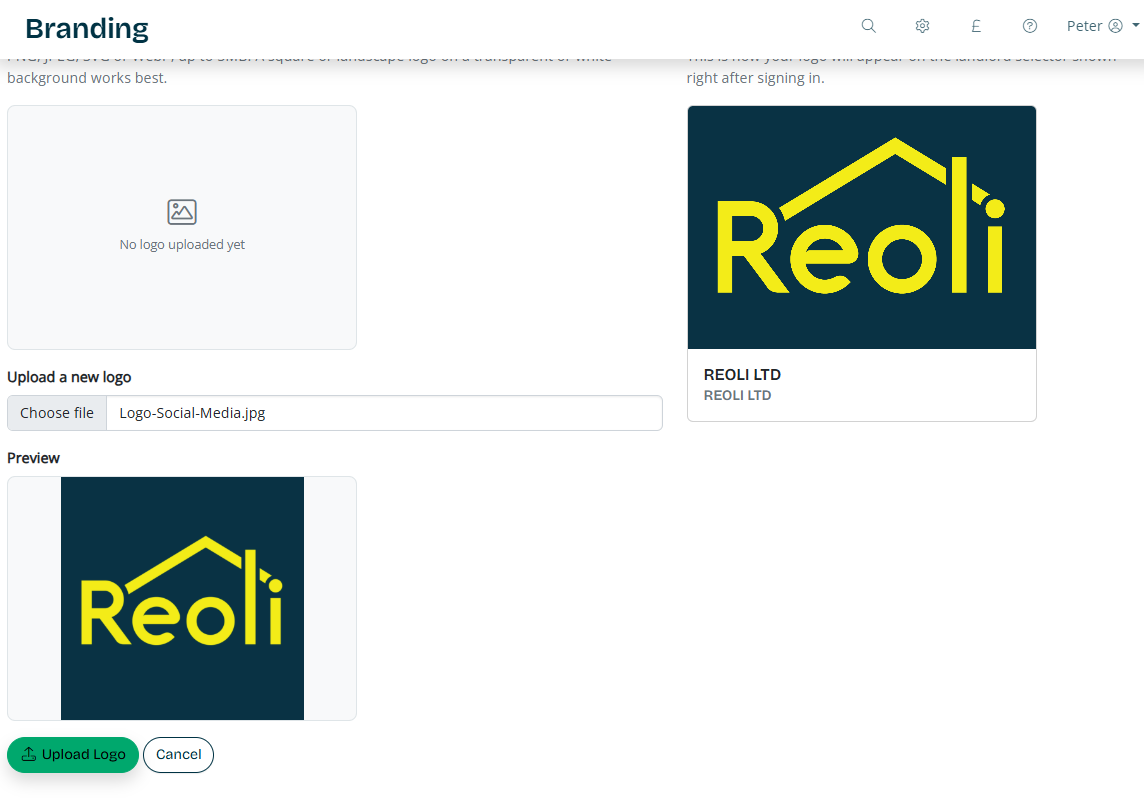
Check Preview, then look at the landlord selector card under Where this shows up. The card lets you see how the selected logo fits before you save it.
Step 4
Select Upload Logo to save the selected logo, or Cancel to discard the selection. After a successful upload, the saved logo replaces any current logo; cancelling restores the selector card to the saved logo or placeholder.
Troubleshooting
- If the upload is rejected, check that the file is a PNG, JPEG, SVG or WebP image no larger than 5 MB, then try again.
- If your branding settings do not load, reload the page. Contact us if the problem persists.
What you’ll have done
Your saved logo appears on the landlord selector after you sign in.
FAQs
Can I remove my logo without uploading another one?
Yes. Select Remove Logo beside the current logo and confirm the removal. The landlord selector will show a placeholder until you upload a new logo.
Does choosing a file replace my current logo straight away?
No. Choosing a file only displays a preview. Select Upload Logo to save it and replace the current logo.
Can I change other branding components?
Not yet. The logo is the only branding component you can currently change; more options will be added in the future.
Not using Reoli yet? Everything in this guide is part of Reoli’s property management software for UK landlords.